SEPTEMBER MEMBER OFFERS!
Buy one get one free Narcissi Téte Bouclé & Tulip Red Impression (£7.99 each - mix & match). Offer valid for Narcissi Tete Bouclé and Tulip Red Impression. Buy one get one free, mix & match available. Cannot be used with another offer. Subject to availability.
20% OFF Bird Seed, Feeders & Birdhouses. Rewards members only. Offer applies to all bird seed, bird feeders and bird houses. Subject to availability. Cannot be used with another offer.
2 for £10 Kiln Dried Ready to Burn Firewood Sacks 22L. Rewards members only. Offer applies to 22L firewood sacks. Subject to availability. Cannot be used with another offer. Non-members price 2 for £12
Complimentary glass of house wine with a main meal after 2pm on Wednesday. Rewards members only. Offer valid for guests aged 18+. One complimentary glass of house red, white or rosé wine with an adult’s main meal purchased on a Wednesday after 2pm in the Olive Tree or Green and Wild.
Farmyard Manure 4 for £20. Rewards members only. Offer valid on 50L Farmyard Manure. Subject to availability. Non members price 3 for £20. Cannot be used with another offer.
Save £5 when you spend £30 on Acer. Rewards members only. Offer valid when you spend £30 on Acer. Cannot be used with another offer.
Save £5 as a member on Lawn Aftercut All in One 350m2 coverage. Rewards members only. Subject to availability. Members price £19.99. Non-members price £24.99. Cannot be used with another offer.
Save £5 as a member on Safe Lawn 400m2 coverage. Rewards members only. Subject to availability. Members price £19.99. Non-members price £24.99. Cannot be used with another offer.
Save £1 on COOK Meals for 1. Rewards members only. Subject to availability. Offer applies to all COOK Meals for 1. Cannot be used with another offer.
Save £2 on COOK Meals for 2. Rewards members only. Subject to availability. Offer applies to all COOK Meals for 2. Cannot be used with another offer.
Save £4 on COOK Meals for 4. Rewards members only. Subject to availability. Offer applies to all COOK Meals for 4. Cannot be used with another offer.
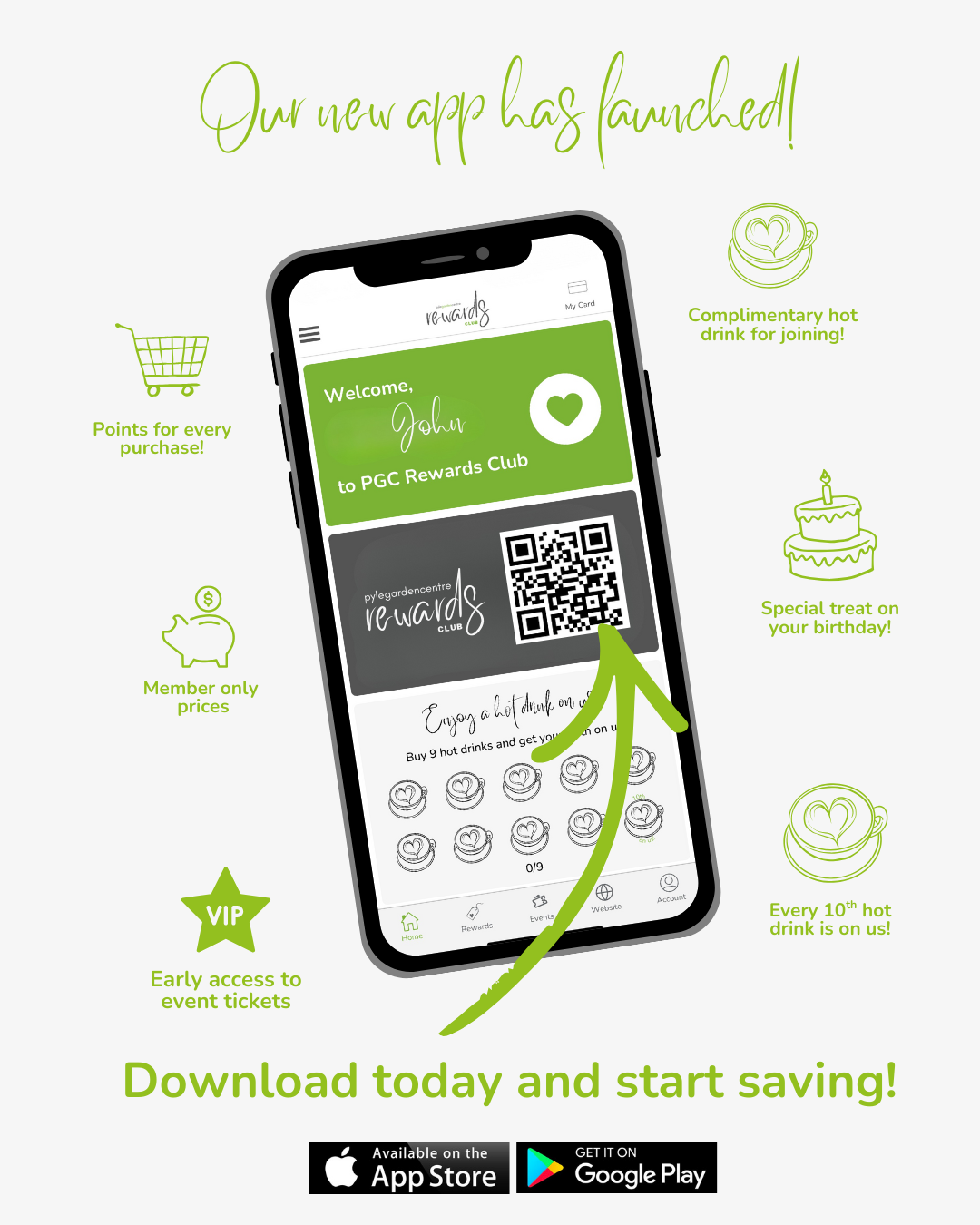
NEW PGC REWARDS CLUB APP!
We’re so happy to announce that our new app is now live. A faster, easier and more rewarding way to enjoy all the benefits of being a loyal customer!
If you’re an existing member, there’s no need to worry about your points - your points have been transferred to the app. All you have to do is activate your new account.
We have put together some FAQ to assist you! If you have a question we haven’t answered below, please email us at marketing@pylegardencentre.com
How do I activate my account?
Download the PGC Rewards Club app from the Apple App Store or Google Play Store. Open the app and enter the email address you have registered with us. You will be asked to Set a Password. Tap email code to set password, you will receive an email containing a 6 digit code, enter this code into the app to set your password. Once your password is set, your account is activated and ready to use! Once you have access to the new app, please delete the old one and switch your wallet pass to the new one.
I had an existing points balance - where do I find this on the new app?
Your points balance can be found by selecting “My Card” in the top right-hand corner of the app. Your current points total is displayed just below your name.
I had over 500 points on the old rewards club - why isn’t my full balance showing in the new app?
If you had over 500 points at the time of the app transfer, the new app has automatically converted 500 points into a £5 voucher for you to spend in-store at the Garden Centre, Olive Tree, or Green & Wild.
You can find this voucher by navigating to the “Rewards” page and selecting the “Vouchers” tab.
Any remaining points over 500 will continue to show in your points balance.
I’m trying to activate my account, but I’m not receiving the code by email - what should I do?
Please check your spam or junk folder first, as activation emails can sometimes be filtered there. If you still haven’t received your code, please email marketing@pylegardencentre.com and our team will be happy to help.
I have a physical rewards card, and I don’t use the app - what do I do?
The transfer for physical reward card customers has been completed automatically. As long as you are happy to continue as a physical card holder only, there is no action required from you. You can continue scanning your card in store to earn points.
Can I add points to my account?
With a valid receipt, we can add points onto your account at the till. Points can only be added for receipts that are within the last 30 days.
CHANGES TO PGC REWARDS CLUB - MOnday 26th JANUARY 2026
We’re delighted to share some exciting news with you. On Monday 26th January 2026, we are launching our brand-new PGC Rewards Club App - a faster, easier and more rewarding way to enjoy all the benefits of being a loyal customer.
No need to worry about your points - your existing points can be easily transferred to the new app. All you have to do is activate your new account once the app is live.
How to get started from Monday 26th January
1. Download the PGC Rewards Club App from the Apple App Store or Google Play Store.
2. Open the app and enter the email address you currently use for our Rewards Club. You will be asked to Set a Password. Tap email code to set password. You'll receive a code in the password reset email. Enter this into the app to set your password. (see screenshots below)
3. That’s it! Once your password is set, your account is activated and ready to use. Once you have access to the new app, please delete the old one.
You will be able to continue earning and redeeming points on the existing rewards club until Thursday 15th January. From Thursday 15th January - Monday 26th January you will be unable to access your loyalty account. We really appreciate your understanding as we work hard behind the scenes to improve your experience as a member of the PGC Rewards Club.
If you are a member of our rewards club, with a physical card ONLY, no action is required from you, following the new app launch on Monday 26th January your account will be transferred automatically. If you have a digital card/access to the current app, you will need to activate your account following the steps above to continue earning and redeeming points.
If you have any questions, please contact marketing@pylegardencentre.com